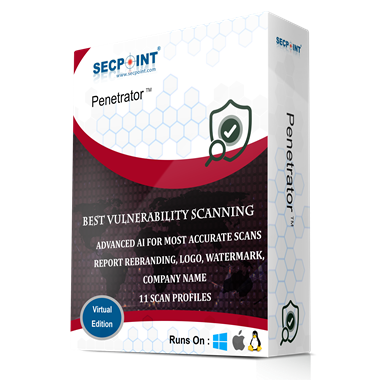
Identify vulnerabilities across local and public IPs with scheduled scanning, 146,000+ vulnerability signatures, Dark Web Search, 34 scan profiles, authenticated scanning, and reports in PDF, HTML, XLS and XML.

146,000+ Vulnerability Signatures

User-Based MFA with QR Code Setup

MSP Functionality with Multi-User Support

Local Data Control and Transparent Privacy Menu

SecPoint® RBL and Toxic IP Blocking

Scan local and public IPs, web applications, servers and network devices using 146,000+ vulnerability signatures, 34 scan profiles and advanced AI-assisted accuracy.
Reports are available in PDF, HTML, XLS and XML, with CVSS v3 support, scan profile descriptions, white-label branding and clear remediation guidance.

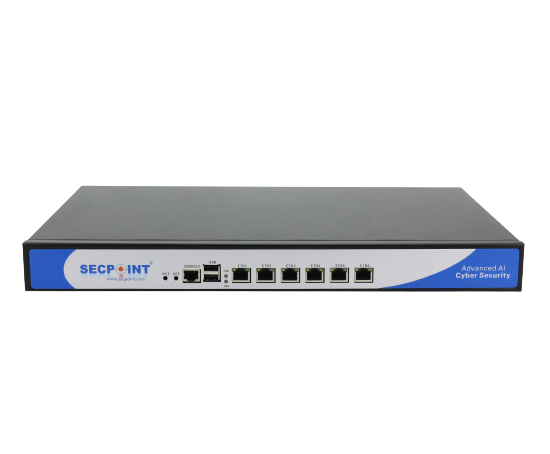
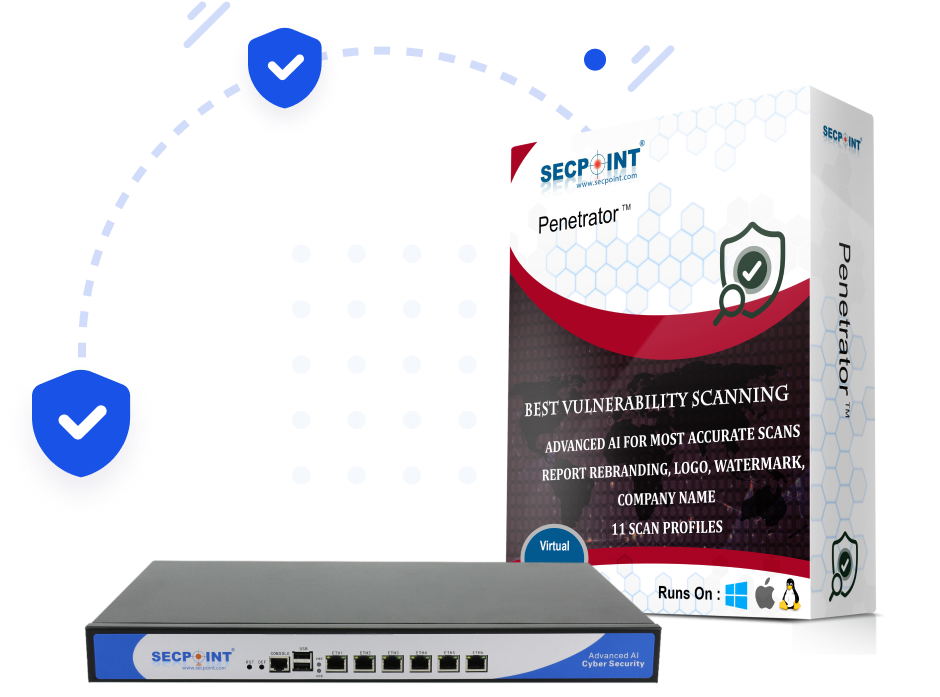
Deploy as a virtual appliance, 1U appliance, SFF appliance or cloud model, with support for VMware ESXi, Microsoft Hyper-V, Microsoft Azure and Linux G4L.

The reporting engine supports 28 languages, including English, Danish, Swedish, German, French, Spanish, Ukrainian, Indonesian, Macedonian, Serbian, Slovak and many more.

Manage vulnerabilities with scheduled scans, ticketing, comparison with previous results, scan notifications, syslog export, and detailed reports for both technical teams and management.

Identify exposed domains, credentials and leaked customer data, and combine dark web exposure checks with vulnerability scanning and data leak detection.

Scan websites and services for SSL and TLS weaknesses, including Heartbleed, POODLE SSL and other known weaknesses.

The SecPoint® Penetrator™ helps organizations identify and manage vulnerabilities across local networks, public IPs, web applications, servers and network devices.
It combines scheduled scanning, 34 scan profiles, AI-assisted accuracy, CVSS v3 support, ticketing, reporting and dark web exposure checks.

Stay ahead with scheduled vulnerability scanning, authenticated assessments, Dark Web Search, 34 scan profiles, AI-assisted accuracy and detailed reports for technical teams and management.