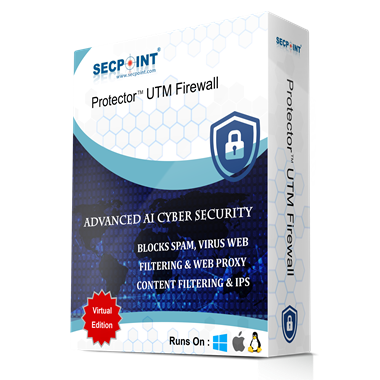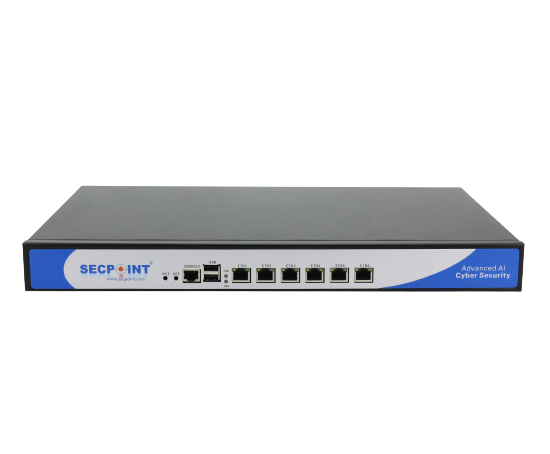
With the SecPoint® Protector™ UTM VPN Firewall, you can protect your entire network with advanced firewall, VPN, intrusion prevention, Safe DNS filtering, anti-spam, antivirus, data leak prevention, SecPoint® RBL toxic IP blocking, and real-time attack visibility in one powerful security platform.
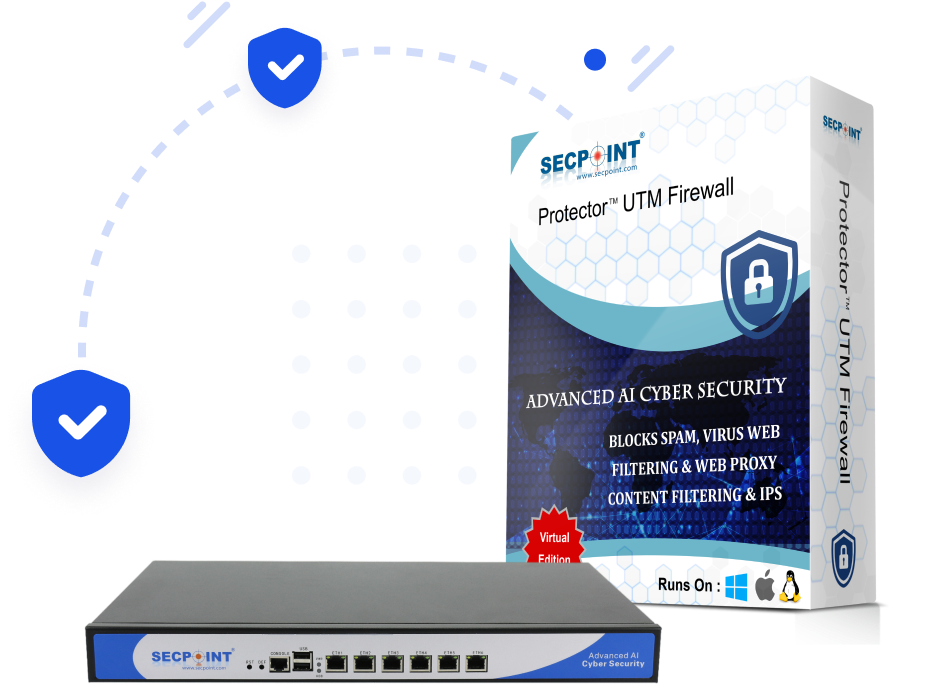

Highly powerful 64-bit, multi-core architecture

Block millions of toxic IPs using multiple RBLs and SecPoint® RBL

Safe DNS filtering helps block malicious domains and hard-to-block applications

Top-tier antivirus scanning with multiple engines for comprehensive coverage
SecPoint® Protector™ combines UTM firewall protection, WireGuard VPN, intrusion prevention, Safe DNS filtering, anti-spam, antivirus, data leak prevention, GeoIP country blocking, SecPoint® RBL, and live attack visibility in a single appliance or virtual solution.
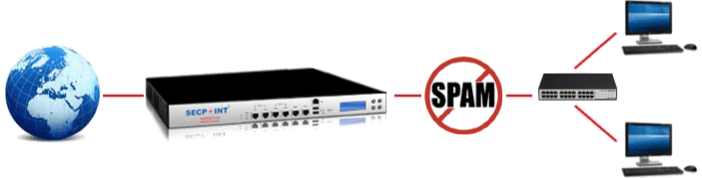
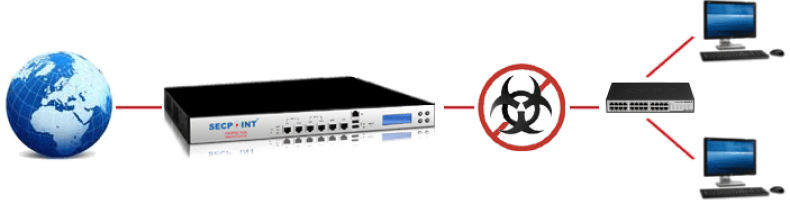
The SecPoint® Protector™ is a unified solution, consolidating services that are traditionally standalone into one feature-rich firewall, VPN, DNS filtering, email security, and intrusion prevention platform.
With the UTM protection model of the SecPoint® Protector™, you avoid the complexity of running many separate security systems. The firewall, Safe DNS filtering, IPS, anti-spam, antivirus, VPN, web filtering, mail archive, and alerting functions are designed to work together in one managed solution. This helps reduce complexity, improve visibility, and keep security operations easier to control.


The SecPoint® Protector™ is a comprehensive UTM solution with robust email threat protection. It helps stop spam, viruses, Trojans, spyware, ransomware, malware, and accidental disclosure risks using anti-spam, antivirus, quarantine, mail archive, data leak prevention, and Mass CC Detection.

The integrated mail server helps protect email communication with anti-spam, antivirus scanning, quarantine handling, mail archiving, and multi-layer email security. It also supports incoming and outgoing mail protection for organizations that need strong control of email security.

Advanced anti-spam provides full email scanning, user quarantine, daily quarantine reports, by-user spam score tuning, authentication features, RBL protection, and AI/ML assisted filtering to help reduce spam and false positives.

Automatic heartbeat synchronization ensures High Availability. Connect multiple SecPoint® Protector™ units together for enhanced stability and security. If one unit fails, another can automatically assume the role of the master unit.

Multiple antivirus engines provide strong scanning coverage for incoming and outgoing email traffic. The multi-engine approach helps detect viruses, Trojans, spyware, malware, and other harmful content before it reaches users.

SecPoint® works in partnership with WifiGem. With it, you can create your own guest network using one of the available network schemes and use the SecPoint® Protector™ to filter and prioritize Internet traffic from devices connected to the WifiGem Captive Portal.
The Safe DNS Server adds DNS-level protection with blacklist-based filtering. It helps block malicious domains, improve web security, and stop applications or threats that cannot always be blocked reliably by IP address alone.
Activate the SecPoint® RBL to block millions of harmful IPs, help protect against bulletproof hosting providers, reduce exposure to Shodan scanning, and shield your network from malicious cybercriminal infrastructure.
User-based MFA with QR code setup, Google Authenticator compatibility, TLS 1.3 support, and Let’s Encrypt certificate support help strengthen access security and simplify modern certificate handling.


Advanced anti-spam reduces unwanted mail before it reaches users. With quarantine, daily reports, RBL protection, by-user tuning, AI/ML filtering, and Mass CC Detection, the SecPoint® Protector™ helps protect email communication and reduce accidental disclosure.

Multiple antivirus engines help detect and block viruses, spyware, adware, Trojans, ransomware, and other malware. Combined with IPS, Safe DNS filtering, and SecPoint® RBL toxic IP blocking, the Protector delivers multi-layer network protection.

Ransomware defense requires multiple layers: strong filtering, Safe DNS, antivirus, intrusion prevention, toxic IP blocking, secure backups, and careful user behavior. The SecPoint® Protector™ helps reduce exposure before threats reach users. Read more info

Protect your organization with UTM firewall, VPN, Safe DNS filtering, SecPoint® RBL toxic IP blocking, anti-spam, antivirus, IPS, MFA, and real human cyber security support.